
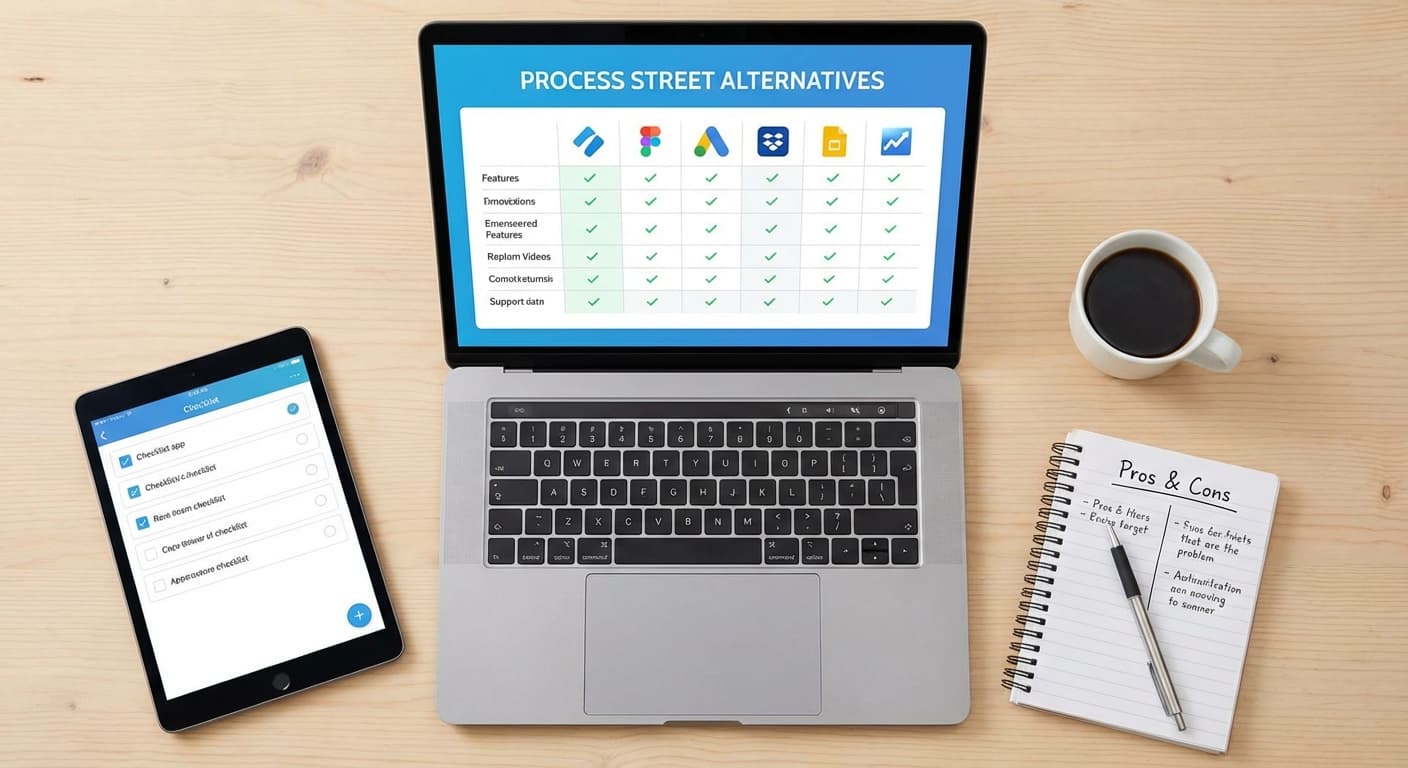
Process Street Alternatives: 9 Tools for Checklists & Workflows in 2025
Looking for a Process Street alternative? We compare the best checklist and workflow tools—including options for external recipients who don't need a login.
Process Street Alternatives: 9 Tools for Checklists & Workflows in 2025
Process Street is a popular choice for creating recurring checklists and workflows. But it's not the right fit for everyone.
Maybe you've hit the limits of the free plan. Maybe you need something simpler—or more powerful. Or maybe your use case is different: you need to send checklists to external people (clients, vendors, contractors) who shouldn't need to log into your team's dashboard.
Whatever brought you here, this guide breaks down the best Process Street alternatives based on what you're actually trying to do.
Why Look for a Process Street Alternative?
Process Street excels at internal SOPs and recurring workflows for teams. You create a checklist template, assign it to team members, and track completion from a central dashboard.
But there are a few common reasons people look elsewhere:
- Pricing – The free tier is limited, and paid plans start at $100/month
- Overkill for simple use cases – Not everyone needs conditional logic and integrations
- Internal-only focus – Recipients need to be users in your workspace
- Learning curve – The interface can feel heavy for straightforward checklists
The right alternative depends on whether you need more power, less complexity, or a fundamentally different approach.
Best Process Street Alternatives
For Internal Team Workflows
1. Manifestly
Best for: Teams running recurring operational checklists
Manifestly is the closest direct competitor to Process Street. It's built for recurring checklists—think daily opening procedures, monthly audits, or onboarding workflows.
- Template-based with scheduled runs
- Role-based assignments
- Integrations with Slack, Zapier, and more
- Simpler interface than Process Street
Pricing: Free for basic use; paid plans from $8/user/month
2. Tallyfy
Best for: Structured business processes with approvals
Tallyfy focuses on "documented processes that run themselves." It's more process-management than checklist-tool, with features like approvals, conditional branching, and guest access.
- Visual process builder
- Built-in forms and approvals
- Some external participant support
- Audit trails and compliance features
Pricing: From $5/user/month
3. Trainual
Best for: SOPs tied to employee training and knowledge management
Trainual blends checklists with documentation. It's ideal if your workflows are really about training people and ensuring consistent execution of company knowledge.
- Combines SOPs with training content
- Progress tracking by employee
- Searchable knowledge base
- Role-based assignments
Pricing: From $250/month
For Project & Task Management
4. Asana / Monday.com / ClickUp
Best for: Teams who want checklists inside a broader project management system
If your checklists are part of larger projects, a full-featured PM tool might make more sense. All three let you create task templates, assign work, and track progress—but they're designed for ongoing project collaboration, not standalone checklist execution.
- Subtasks function as checklist items
- Templates for repeatable projects
- Strong team collaboration features
- Can feel heavyweight for simple checklists
Pricing: Free tiers available; paid from ~$10/user/month
5. Notion
Best for: Teams who want maximum flexibility and already live in Notion
Notion can do almost anything, including checklists. Create a database of tasks, add a checkbox property, filter by assignee—done. But you're building it yourself, and external sharing is clunky.
- Infinitely customizable
- Combine docs, databases, and checklists
- Shared views require Notion accounts or publishing
- No native "run a checklist" concept
Pricing: Free for personal; from $8/user/month for teams
For External Recipients (Clients, Vendors, Contractors)
This is where most Process Street alternatives fall short. If you need to send a checklist to someone outside your organization—without making them create an account or navigate your internal tools—you need a different approach.
6. TasksLink

Best for: Sending checklists to external recipients via link, no login required
TasksLink is built for a different workflow: assemble a checklist, send it to one or many recipients with a simple link, and track completion—without requiring anyone to sign up or join your workspace.
- Create reusable checklist templates
- Send via unique links (no recipient login)
- Track completion across multiple recipients
- Works for clients, vendors, contractors, or anyone external
Use cases:
- Client onboarding ("here's everything we need to get started")
- Vendor qualification and compliance
- Event coordination with external parties
- Contractor setup and handoffs
- Property management move-in/move-out
Pricing: Free tier available; paid plans from $20/month
7. Content Snare
Best for: Agencies collecting documents and content from clients
Content Snare is laser-focused on getting assets from clients—think copy, images, credentials, and approvals. It's less "checklist" and more "structured content request," but the no-login external access is similar.
- Request forms with reminders
- No client login needed
- Auto-save and progress tracking
- Built for agencies and accountants
Pricing: From $29/month
8. Arrows
Best for: Customer onboarding with HubSpot integration
Arrows creates shared onboarding plans between your team and customers. It's designed for B2B SaaS, with deep HubSpot integration. External users don't need accounts, but it's optimized for a specific use case.
- Mutual action plans
- HubSpot-native
- Customer-facing progress views
- Focused on onboarding/implementation
Pricing: From $500/month
9. Dock / Accord / Recapped
Best for: Sales teams managing deals with prospects
These "digital sales room" tools let you share checklists and content with prospects during a deal. External access via link, but heavily sales-focused with CRM integrations.
- Mutual action plans for deals
- Content sharing + checklists
- CRM integrations
- Enterprise pricing
Pricing: Varies; generally enterprise
Quick Comparison
| Tool | Best For | External Recipients | Pricing |
|---|---|---|---|
| Process Street | Internal recurring workflows | ❌ Requires login | From $100/mo |
| Manifestly | Internal recurring checklists | ❌ Requires login | From $8/user/mo |
| Tallyfy | Internal processes with approvals | ⚠️ Limited guest access | From $5/user/mo |
| Trainual | SOPs + training | ❌ Internal only | From $250/mo |
| Asana/Monday/ClickUp | Project management | ⚠️ Clunky | From $10/user/mo |
| Notion | Flexible everything | ⚠️ Requires account | From $8/user/mo |
| TasksLink | External checklists via link | ✅ No login needed | From $20/mo |
| Content Snare | Client content collection | ✅ No login needed | From $29/mo |
| Arrows | Customer onboarding | ✅ No login needed | From $500/mo |
Which Alternative Should You Choose?
Choose Manifestly or Tallyfy if you need Process Street but cheaper or simpler, and all your recipients are internal.
Choose Asana/Monday/ClickUp if checklists are part of bigger projects and your team needs full PM capabilities.
Choose Notion if you want to build your own system and everyone's already in Notion.
Choose TasksLink if your recipients are external—clients, vendors, contractors—and you want them to complete checklists without logging into anything.
Choose Content Snare if you're specifically collecting documents and content from clients.
Conclusion
Process Street is a solid tool for internal workflows, but it's not the only option—and it's not designed for every use case.
If you're sending checklists to people outside your organization, most alternatives share the same limitation: recipients need accounts or access to your workspace.
TasksLink takes a different approach. Create your checklist, send a link, track completion. No logins, no onboarding your clients into yet another tool.