
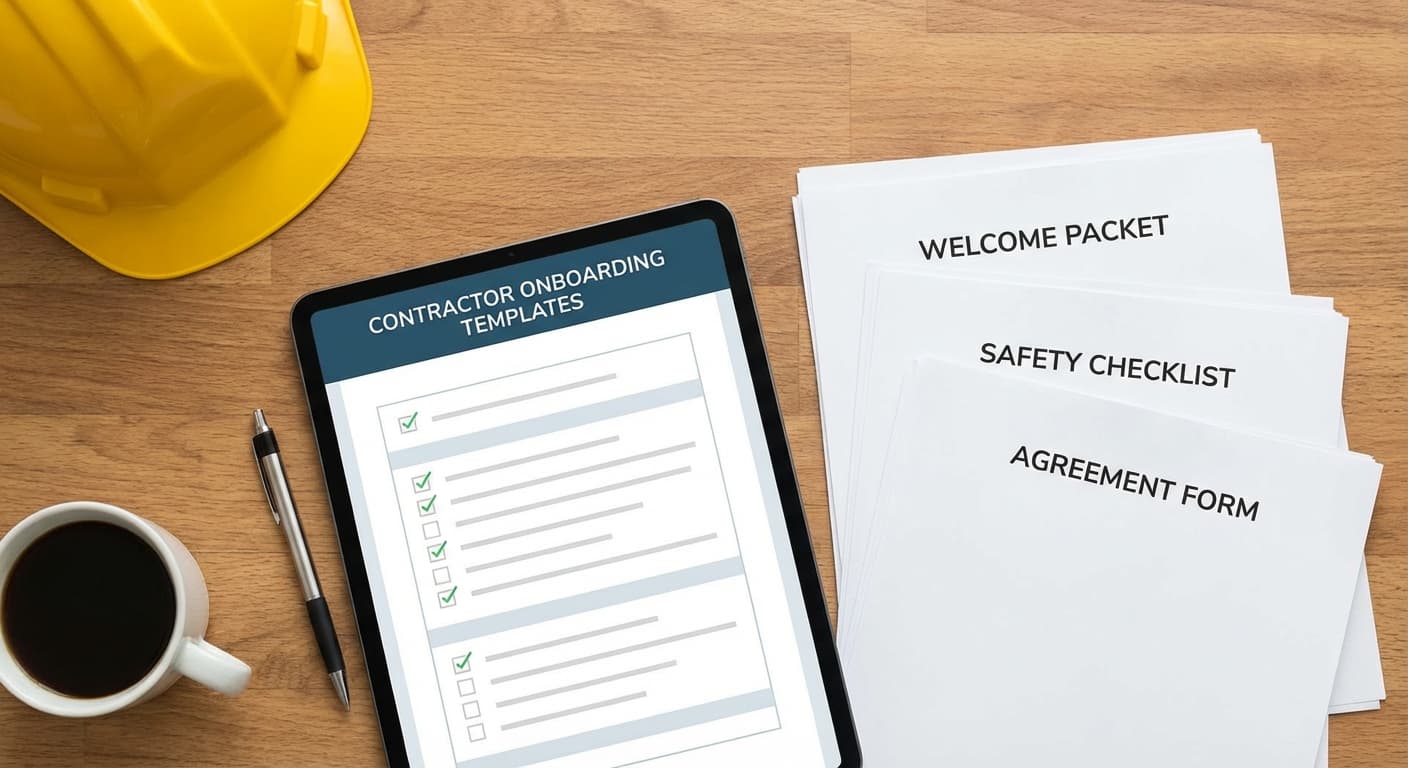
Contractor Onboarding Checklist: How to Onboard Independent Contractors (With Free Template)
A step-by-step contractor onboarding checklist to help you onboard independent contractors smoothly and consistently - plus a free reusable template you can send as a link to each contractor.
When you bring on an independent contractor, you want one thing:
Get them fully ready to work — without dropping balls, breaking laws, or wasting a week in back-and-forth email.
The reality is usually messier:
- Someone “forgets” to sign the agreement.
- They don’t have access to the right tools on day one.
- You’re still chasing tax forms three months later.
- HR/finance have no idea who this person is in “the system”.
This is exactly what a contractor onboarding checklist is for: a repeatable list of things your contractor must do and things your team must do, so every new engagement starts clean.
In this guide, we’ll cover:
- what contractor onboarding actually is
- a step-by-step independent contractor onboarding checklist
- how to plug contractors into your systems (payroll, tools, communication)
- how to turn this into a repeatable workflow using a shareable checklist template
At the end, you’ll find a free template you can copy and send as a link to each contractor.
What is contractor onboarding?
Contractor onboarding is the process of getting an independent contractor fully set up to work with you:
- legally (agreements, classification, tax forms)
- operationally (tools, access, documentation)
- relationally (expectations, communication, point of contact)
Unlike employee onboarding, contractors:
- are usually engaged for a specific project or outcome
- may work with multiple clients at once
- shouldn’t be treated like employees from a legal/compliance perspective
That means your onboarding needs to:
- be tight on paperwork & classification
- be clear on scope, deliverables, and timelines
- and still be fast and lightweight so you don’t scare them off in bureaucracy.
A good contractor onboarding checklist gives you the best of both worlds: compliance and clarity without heavy HR software.
Why contractor onboarding matters (even for tiny teams)
Skipping proper onboarding can cost you in a few ways:
- Compliance risk
- No written agreement, ambiguous IP ownership, or employee-like treatment can get you in trouble.
- Payment delays & frustration
- Missing invoices, wrong bank details, or no vendor setup leads to awkward “Where’s my money?” conversations.
- Slow start & misaligned expectations
- If contractors don’t know the tools, who to talk to, or what “done” looks like, everyone loses.
- Operational chaos
- Six months later, no one remembers which tools they have access to, or where the contract is stored.
A simple independent contractor onboarding checklist makes this repeatable across everyone: designers, developers, copywriters, video editors, consultants, etc.
Before you start: decide what you always need from contractors
Before you copy-paste any checklist, answer a few quick questions:
-
What type of contractors do you use most often?
- Creative (design, copy, video)
- Technical (dev, data, infra)
- Professional services (accounting, legal, consulting)
-
Which systems do they need to exist in?
- Accounting (e.g. Xero, QuickBooks, Stripe, Paddle)
- Project tools (e.g. Asana, ClickUp, Jira)
- Communication (Slack, Teams, email groups)
-
Who “owns” the relationship internally?
- A hiring manager / project owner
- HR / ops / finance contact
Your answers will change some details, but the core contractor onboarding process stays the same.
Contractor Onboarding Checklist (Step-by-step)
Use this as your baseline contractor onboarding checklist. You can add/remove steps depending on your industry and jurisdiction.
⚠️ This is not legal advice. Always check with a qualified professional for your specific country/region.
1. Confirm contractor classification and basic details
Goal: Make sure this person should actually be an independent contractor, not an employee.
What you need from the contractor:
- Full legal name or business name
- Contact details (email, phone, address)
- Business registration / tax ID (if applicable)
What you do:
- Confirm they meet your criteria for independent contractors
- Log them in your internal list of active contractors
2. Send and sign the contractor agreement
Goal: Put expectations, IP ownership, and basic legal terms in writing.
What you need from the contractor:
- Signature on your independent contractor agreement
- Any required IDs or documents your jurisdiction requires
What you do:
- Prepare an agreement that covers:
- scope of work
- payment terms
- confidentiality
- IP ownership
- termination & dispute handling
- Send via your e-sign tool
- Ensure both parties get a copy and it’s stored in a central place
3. Define scope, deliverables, and timelines
Goal: Avoid scope creep and “I thought that was included” conversations.
What you need from the contractor:
- Agreement on:
- deliverables
- milestones
- deadlines
- success criteria (“what done looks like”)
What you do:
- Write a clear statement of work (SOW) or project brief
- Confirm:
- what’s in scope
- what’s out of scope
- assumptions and dependencies
- Attach or reference this in your main agreement or inside your project tool
4. Collect payment and tax information
Goal: Be able to pay them on time without chasing details later.
What you need from the contractor:
- Preferred payment method (bank transfer, PayPal, Stripe, etc.)
- Bank details / payout info
- Tax forms required in your jurisdiction (e.g., W-9 / W-8BEN in the U.S.)
What you do:
- Add them as a vendor in your accounting/payment system
- Store their payment details securely
- Document your agreed invoicing cadence (monthly, per milestone, upfront/deposit)
5. Create their profile in your internal systems
Goal: Have a single, up-to-date record of each contractor.
What you need from the contractor:
- Confirmed name, email, and time zone
- Optional: profile photo or logo for recognition
What you do:
- Add them to:
- your contractor database (this could be a simple spreadsheet or CRM)
- your accounting system (as a vendor)
- any resource planning / project tool if you use one
This step is how you handle “onboarding contractors in your system” instead of keeping everything in your inbox.
6. Set up access to tools and accounts
Goal: Give them exactly what they need to work — nothing more, nothing less.
What you need from the contractor:
- Their email address for invitations
- Any hardware or software requirements they have (if you’re providing them)
What you do:
- Give access to:
- project management (e.g. Asana, Jira, ClickUp, Trello)
- file storage (e.g. Google Drive, Notion, Dropbox)
- design/dev tools (e.g. Figma, GitHub, staging environments)
- Use least privilege:
- separate contractor groups or roles
- no access to sensitive internal HR/finance tools
- Record which tools they now have access to (you’ll need this for offboarding).
7. Add them to the right communication channels
Goal: They know where to ask questions and where updates should live.
What you need from the contractor:
- Their preferred communication method (email, Slack, etc.)
- Their typical working hours/time zone
What you do:
- Invite them to:
- specific Slack channels / Teams channels
- project-specific email threads
- Introduce them to:
- their main point of contact
- any key stakeholders they’ll interact with
- Share your expectations:
- response time
- meeting cadence
- where decisions get documented
8. Share context, docs, and “how we work” basics
Goal: Help them make good decisions without asking you about every tiny detail.
What you need from the contractor:
- Confirmation that they’ve read key docs
- Any questions they have about your process or brand
What you do:
- Share:
- brand guidelines / code standards / tone of voice guides
- a short “how we work with contractors” doc
- access to relevant project context (past work, existing assets)
- Highlight:
- decision-makers
- non-negotiables
- common pitfalls to avoid
9. Align on deliverables, deadlines, and feedback loops
Goal: Everyone knows what happens in week 1, week 2, etc.
What you need from the contractor:
- Agreement on the first milestone and its date
- Their estimate of time needed / constraints
What you do:
- Put key dates in your calendar / project tool
- Define:
- how you give feedback (async, sync calls, tool comments)
- how scope changes are approved
- when you review the engagement (e.g., after the first milestone)
10. Confirm how invoicing and approval will work
Goal: No surprises around money.
What you need from the contractor:
- Invoice format and frequency they’ll use
- Where to send invoices and who to CC
What you do:
- Decide:
- who approves invoices internally
- payment timeline (e.g. Net 7, Net 15, Net 30)
- Communicate:
- exactly what must be on each invoice
- what happens if milestones slip or scope changes
11. Run a quick “first week” check-in
Goal: Catch issues early, before they snowball.
What you need from the contractor:
- Honest feedback on whether they have everything they need
- Any blockers they’ve hit (tools, information, decisions)
What you do:
- Schedule a quick call / async check-in after the first few days
- Confirm:
- tools access is working
- communication rhythm feels right
- they understand priorities
This step is often skipped — but it’s where you prevent 80% of future headaches.
12. Plan for offboarding (yes, at the start)
Goal: Make sure you can cleanly close the relationship when the work is done.
What you need from the contractor:
- Agreement that they’ll:
- hand over files/repositories
- document systems or processes they build
- help with a short knowledge transfer, if needed
What you do:
- Note:
- what “final handover” should include
- which accesses you’ll revoke at the end
- Add a recurring reminder:
- to review contractor access and offboard when the project ends
Thinking about offboarding early is part of a safe contractor onboarding process.
Turning this checklist into a repeatable contractor onboarding workflow
A one-off list is nice, but the goal is to:
- reuse this for every contractor, and
- always know who is at which step.
Here’s a simple way to operationalise it:
- Save this as your master contractor onboarding checklist.
- For each new contractor:
- copy the checklist
- assign tasks internally vs. tasks the contractor must do
- Send the contractor their own checklist link with just the items they’re responsible for (signing, forms, info, reading docs, etc.).
- Track progress per contractor:
- who has signed
- who sent payment details
- who still hasn’t set up access or read the docs
This is exactly what TasksLink is built for: you create the checklist once, then generate personal links with their own progress bars for every contractor you onboard.
Free Contractor Onboarding Checklist Template
To save you from rebuilding everything from scratch, here’s a ready-made Contractor Onboarding Checklist you can copy and adapt:
Contractor onboarding for {{name}}
Follow these steps to get set up as an independent contractor with us. You can come back to this link any time.
- Review your detailsCheck that your legal name, contact email, and address are correct.Required
- Sign the contractor agreementWe'll send you an independent contractor agreement to review and sign.Required
- Review the scope of workConfirm the deliverables, timelines, and what “done” looks like for this engagement.Required
- Provide payment detailsShare your preferred payment method and the details we need to pay you on time.Required
- Submit required tax formsComplete any tax forms required in your country (e.g. W-9 / W-8BEN in the U.S.).Required
- Share business details (if applicable)If you operate as a business, provide your business name, registration number, and VAT/GST info.
- Accept invitations to toolsAccept invitations to any tools we've sent (project management, code repos, file storage, etc.).Required
- Join communication channelsJoin the Slack/Teams channels or email threads we use to stay in touch.Required
- Read the “How we work with contractors” guideSkim our short guide so you understand how we collaborate and make decisions.
- Confirm your availability & time zoneLet us know your time zone and typical working hours so we can coordinate smoothly.Required
- Confirm the first milestone & due dateAgree on the first milestone to deliver and when you expect to complete it.Required
- Send your first invoice (if requested)If we agreed on an upfront or deposit invoice, send it using the agreed format and details.
You can:
- tweak the wording and steps for your specific business
- send it as a link to each new contractor
- see at a glance who has finished onboarding and who’s still mid-process
Turn contractor onboarding from a chaotic inbox mess into a simple, repeatable workflow.